





From real-time detection to automatic IP exclusions and transparent reporting — ProtectAds covers your whole protection workflow on Google Ads and Bing Ads.
Start your free trial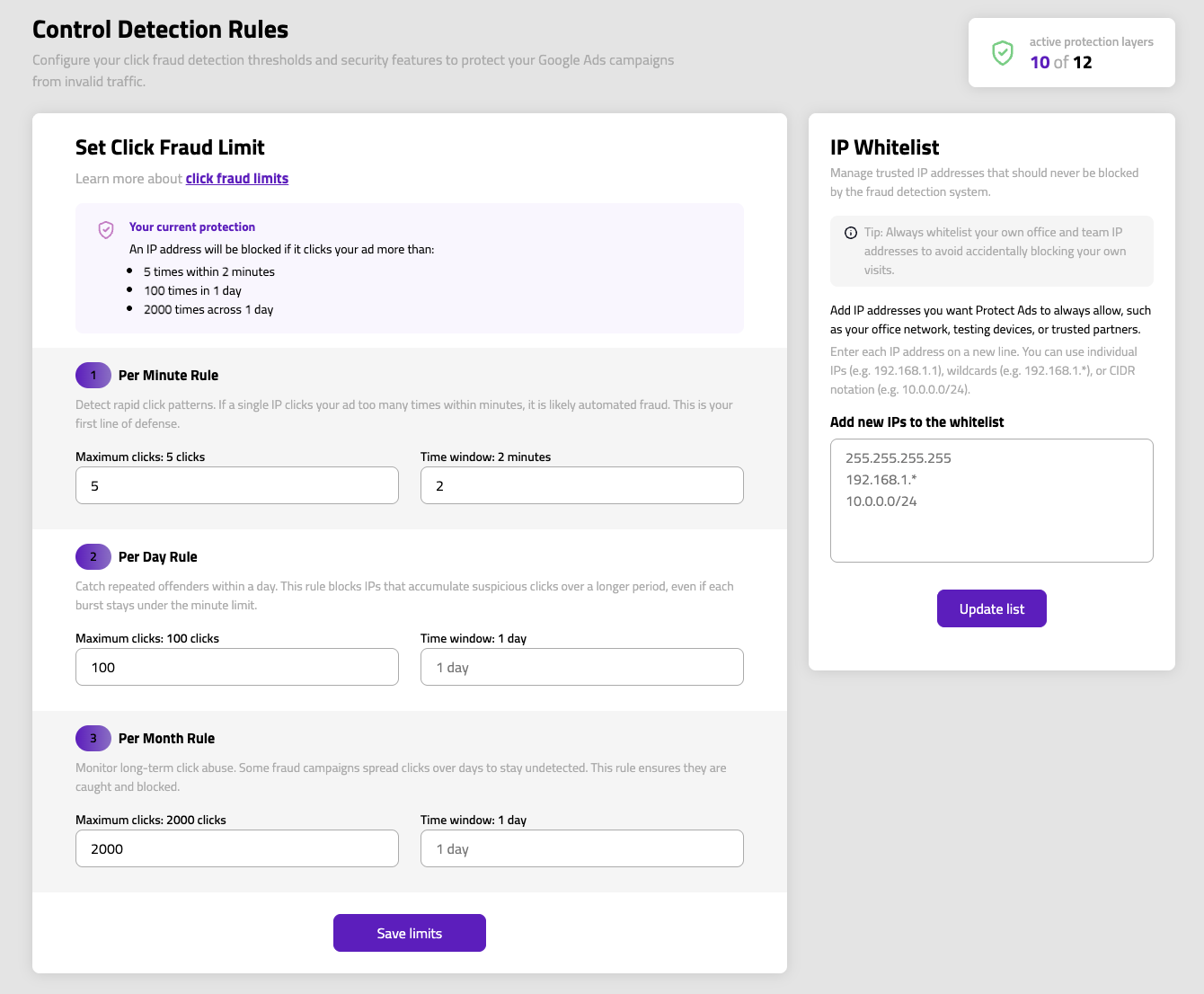
Automated traffic and headless browsers used for fake clicks.
Spoofed browser and device signatures.
Repeated clicks from the same source in a short window.
Click patterns that point to a competitor draining your budget.
Subnet-level blocking for sources that rotate between IPs.
Every click is scored the moment it happens.
Fraudulent IPs are added automatically to your campaign exclusions.
Set your own thresholds and rules to fit your traffic.
Extend blocking to entire subnets and IP ranges.
Behaviour patterns that reveal non-human traffic.
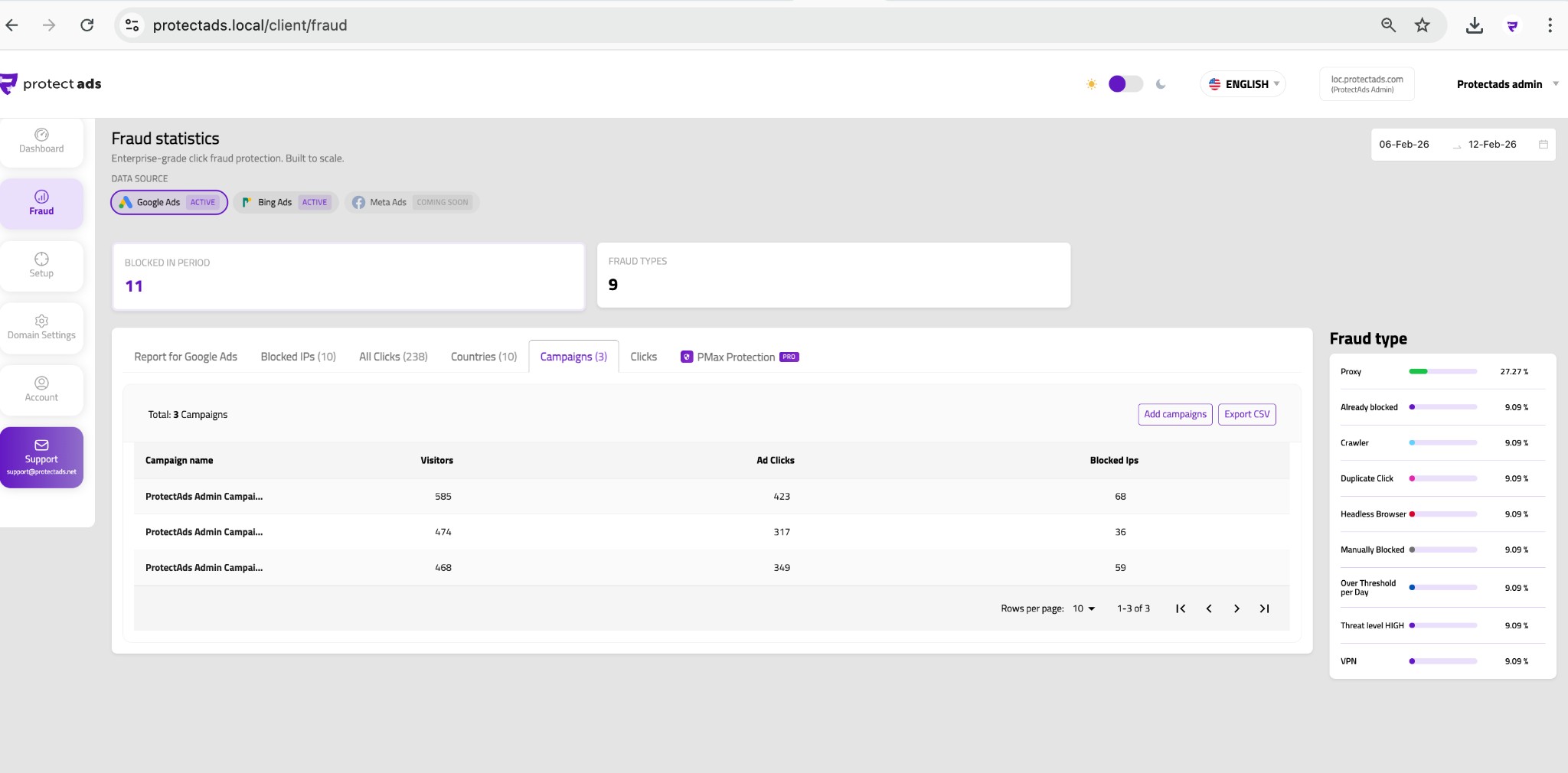
See where invalid traffic shows up, campaign by campaign.
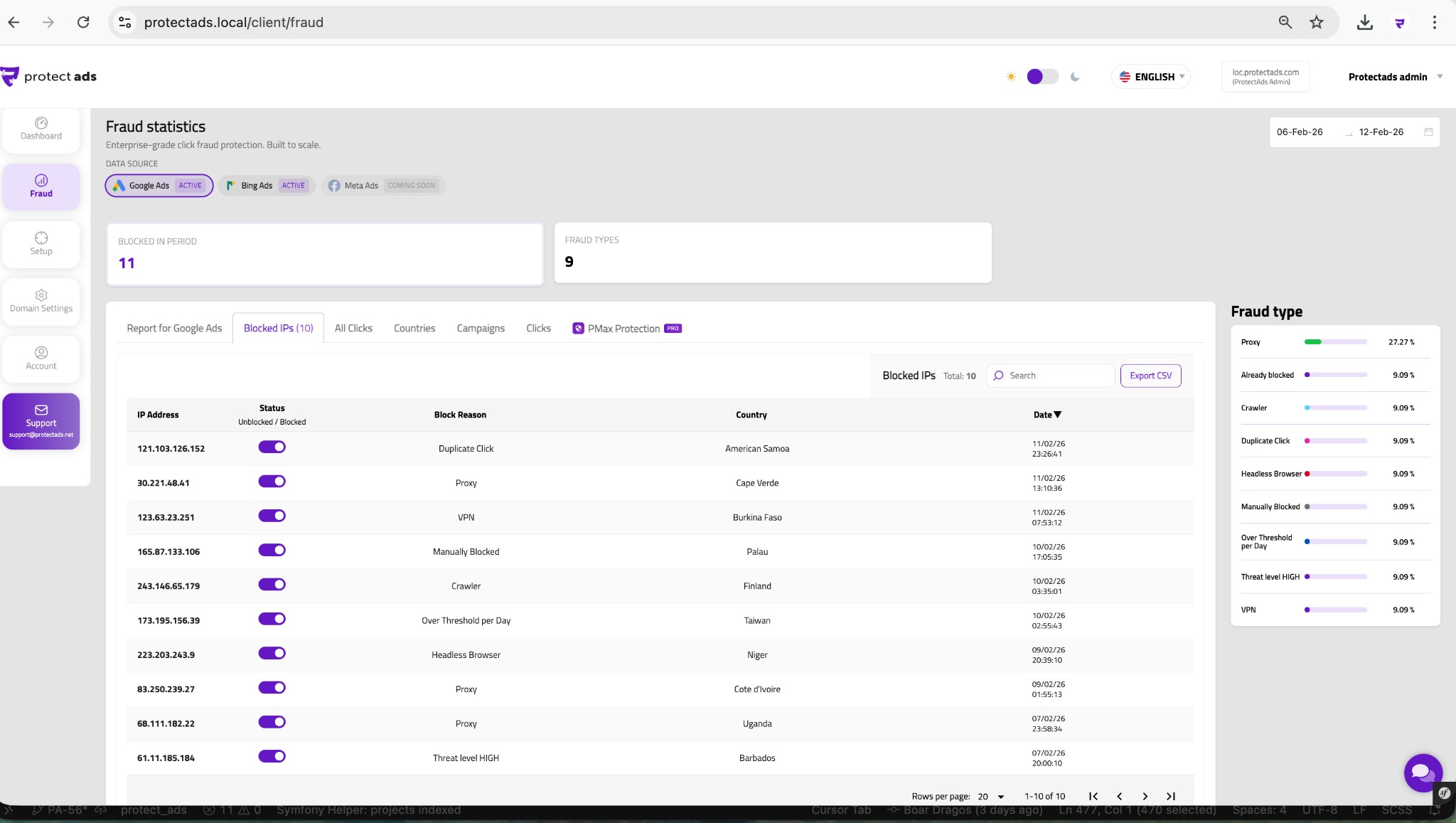
Every blocked address, with the reason for the decision.
Full visibility into your traffic, not just what was blocked.
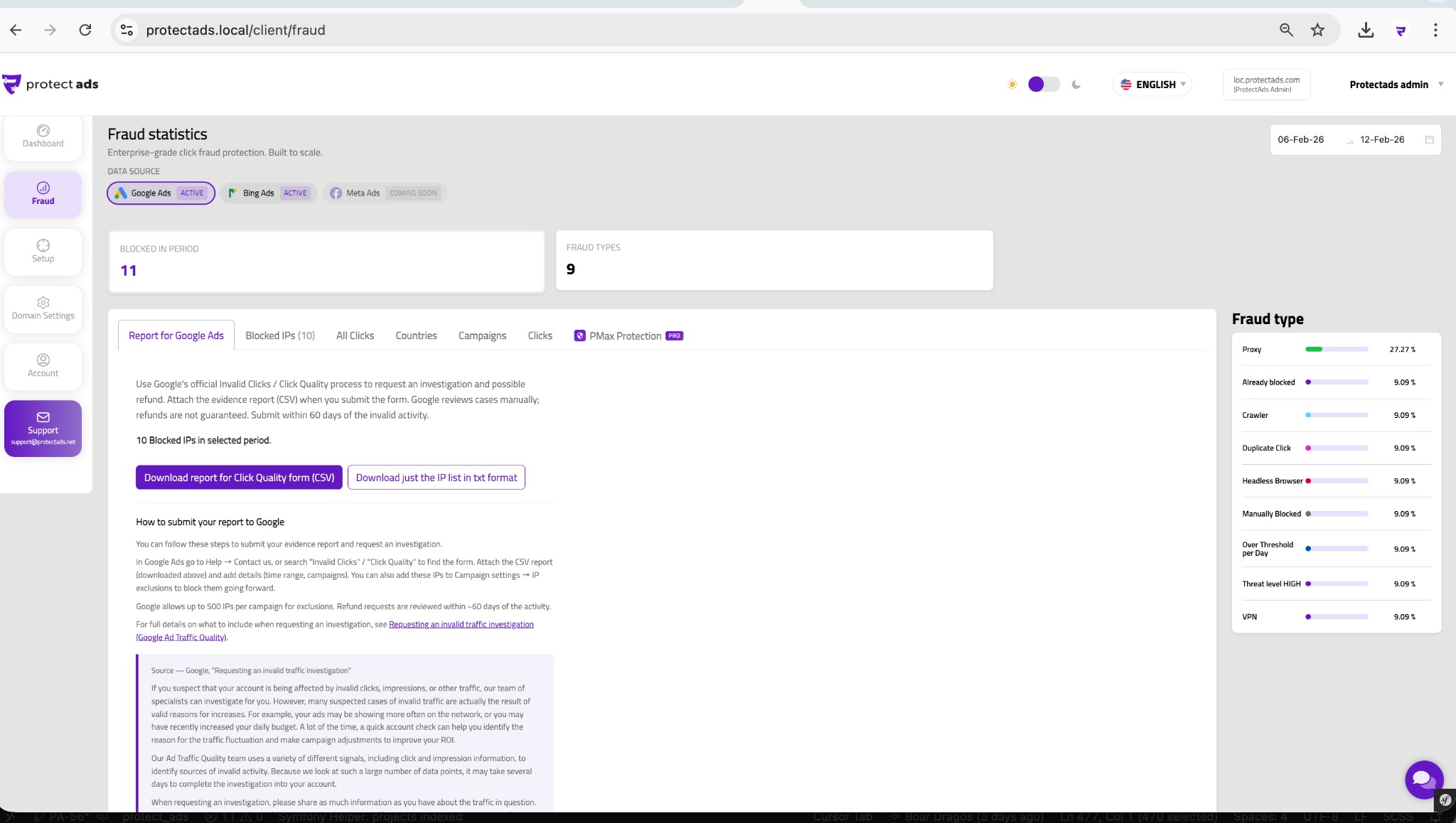
Evidence you can use for invalid-click credit requests.
Protection for Search and PMax campaigns.
Available on higher-tier plans.
Asynchronous, with no visible impact on site speed.
GTM, WordPress, Shopify, WooCommerce, Magento, Wix and custom HTML.
Click fraud is any click on your paid ads that has no genuine interest behind it — yet still costs you money. Because most ad platforms charge per click, every fake click is paid budget that can never convert.
It comes from several sources:
Beyond the direct cost, click fraud also distorts your data — inflating click counts, lowering conversion rates and misleading the bidding algorithms that rely on those numbers.
Google does filter some obviously invalid traffic and may issue credits for it — but it filters to its own definition of invalid clicks, not to optimise your return on investment.
Independent studies consistently show that a meaningful share of fraud still gets through, particularly sophisticated bots, competitor activity and click-farm traffic that mimics real users. Google also gives you limited visibility into what was filtered and why.
ProtectAds adds a dedicated, transparent layer on top: you set the rules, you see exactly what was blocked, and advertisers typically recover 15–30% of the spend that platform filters miss.
The detection engine covers the full spectrum of invalid traffic, including:
The rules update continuously as new tactics appear, so your protection keeps pace with the threat instead of relying on a static, ageing blocklist.
Every click is scored in real time. Rather than relying on any single rule, ProtectAds combines dozens of signals into one risk score:
You decide how aggressive protection should be. Clicks that cross your threshold are flagged and the source is excluded automatically, while borderline cases are logged so you can review them and fine-tune your rules.
Detection triggers an automatic, immediate response. The offending IP — or an entire range — is added to your ad platform's exclusion list, so it can no longer see or click your ads. That protects your future budget rather than simply flagging past waste.
Everything is recorded in your dashboard: which click was blocked, the reason, the source, and the estimated budget saved. You stay in control, and you can review, whitelist or adjust any rule at any time.
It varies by industry, competition and how much fraud is already hitting you, but advertisers commonly recover 15–30% of previously wasted spend.
High-competition niches — legal, insurance, home services and finance — tend to see the biggest gains, because competitor and bot activity is most intense there. The savings arrive two ways: budget you stop wasting, and budget that now reaches real prospects who can actually convert.
Your free trial shows your specific figures before you commit, so you're never guessing.
Turn on protection in minutes and keep your budget on real visitors.

